Featuring packages, posts, galleries and pages
The featured sections show some of your packages, galleries, blog posts, and pages on your homepage. Choose up to 6 packages or galleries, and up to 3 blog posts or pages, in the Homepage Editor.
Choosing what to feature
To feature items on your homepage:
- In your Focal account, under WEBSITE in the left menu, click Homepage Editor.
- Open the featured section you want to use: Featured Packages, Featured Galleries, Featured Blogs, or Featured Pages.
- Click the items you want to feature. They appear on your homepage in the order you click them, shown by the number on each.
- Click Save.
To remove an item, click it again.
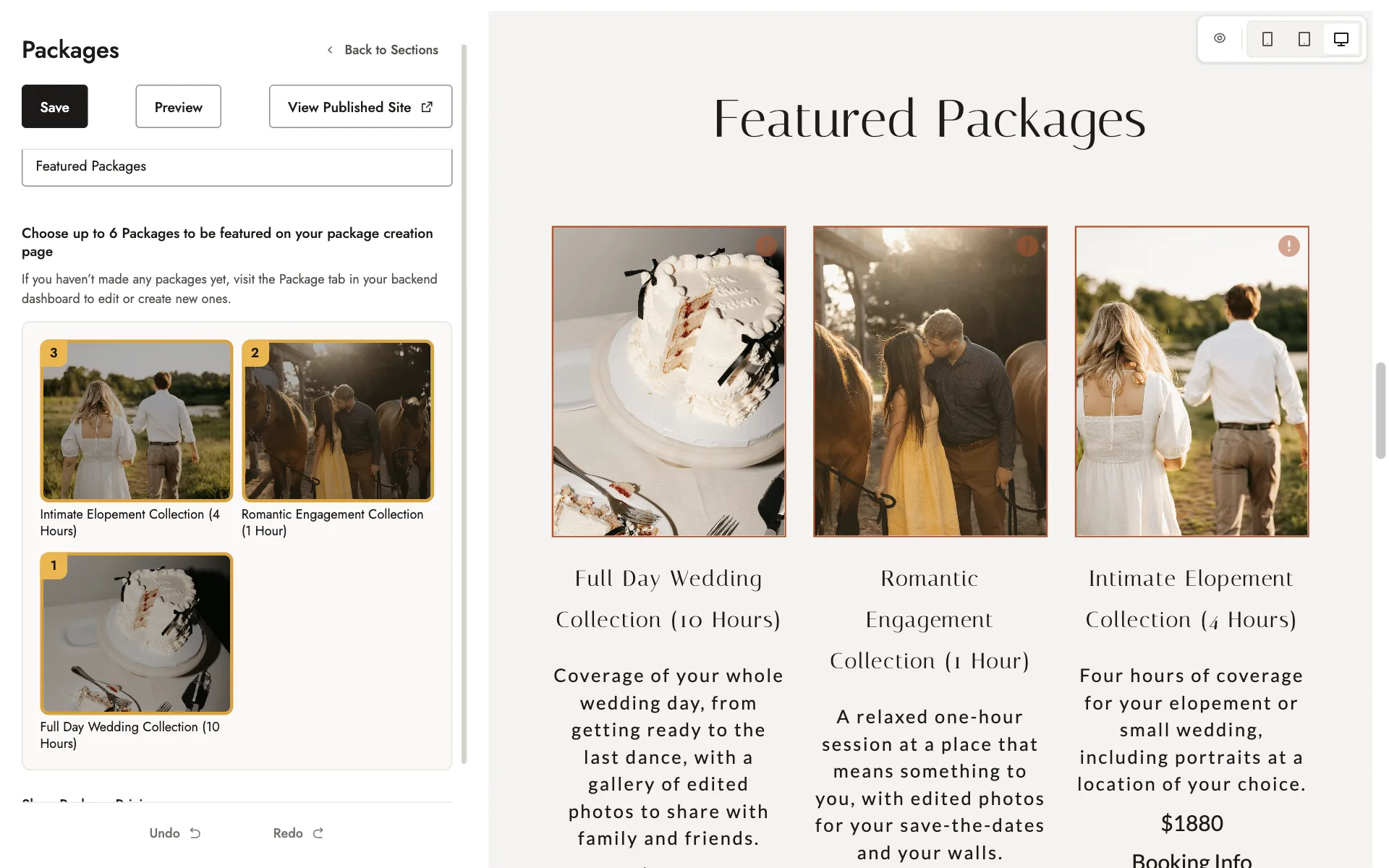
Only published items appear in each list. If a list is empty, publish something of that type first.
You can feature a password-protected gallery, but visitors will need its password to open it.
Showing or hiding package prices
Use the Show Package Pricing switch in the Featured Packages section to show or hide your package prices on your homepage.
Related guides
- Your homepageWhat each section of your homepage shows, and how to edit your About, Portfolio, Video, and Testimonials sections.
- Your navigation menuRenaming your menu links, choosing where each one goes, and your footer links.
- Changing your hero imagesReplace the large photos or video at the top of your homepage, for desktop and for mobile.
- Contact formsEdit the contact form on your homepage, pages, blog posts and packages, and find where inquiries arrive.
Still need help?
Email contact@bookfocal.com and a member of our team will help you.